
Enhance Your GitHub Experience
Wide layout, expandable tables, image lightbox, GIF picker, and sidebar toggle - all in one extension.


Chrome • Edge • Brave • Opera • Vivaldi • Arc • Firefox
Features
Everything you need for a better GitHub experience
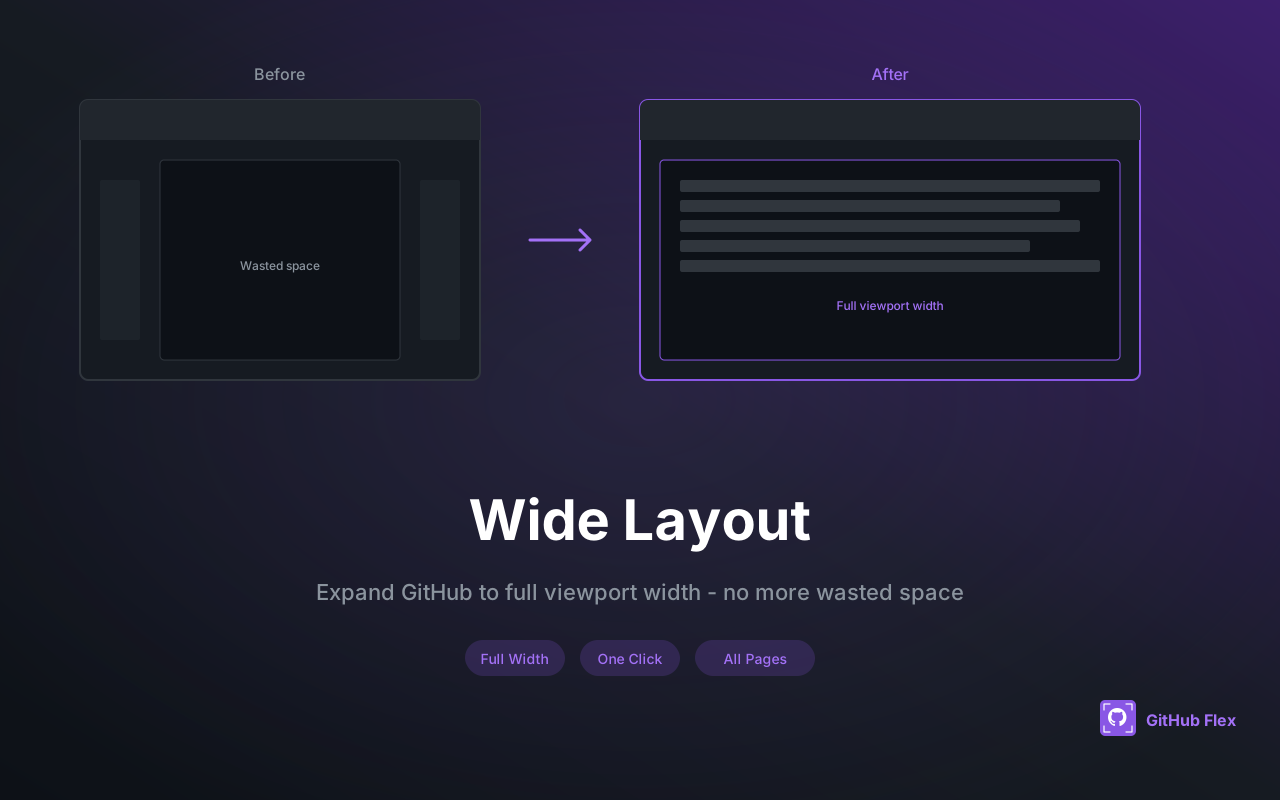
Wide Layout
Expand GitHub to full viewport width for better code reading
Table Expand
Expandable tables with fullscreen mode and persistent state
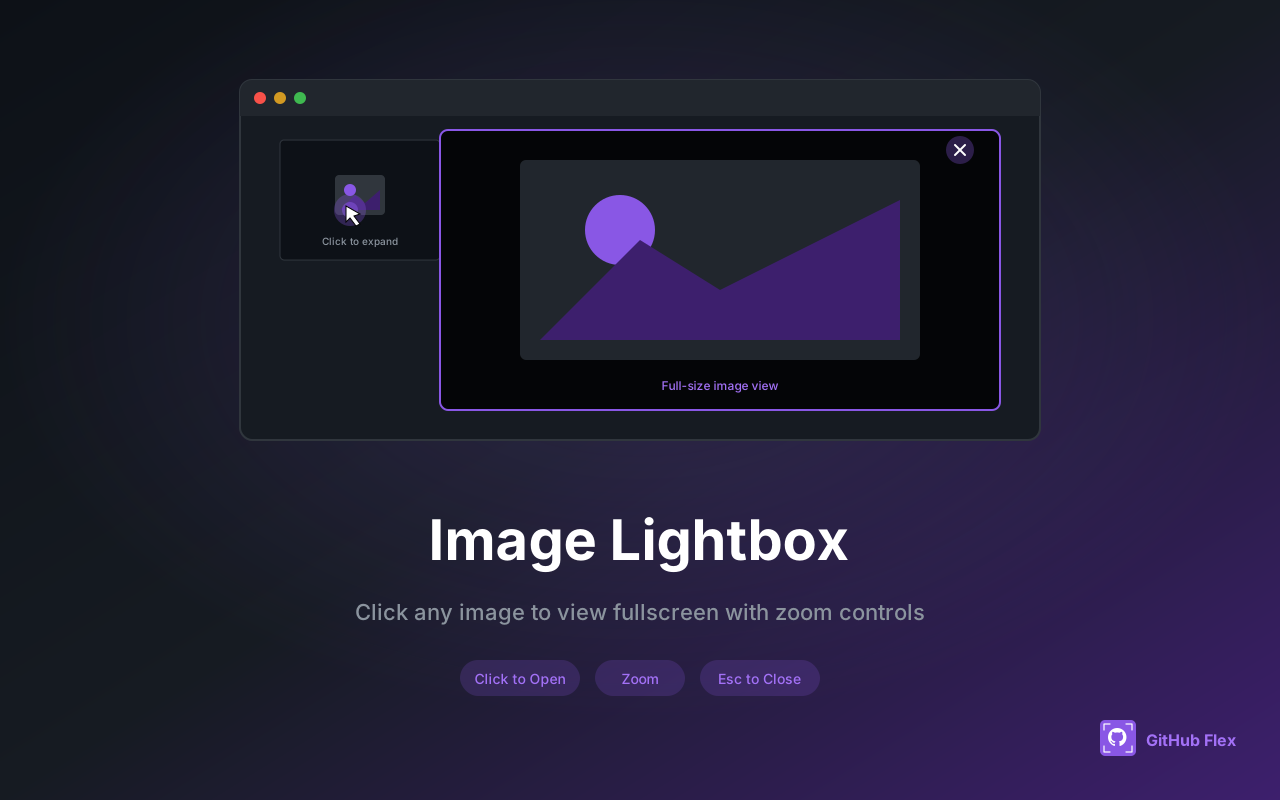
Image Lightbox
Click images to view in fullscreen overlay with zoom
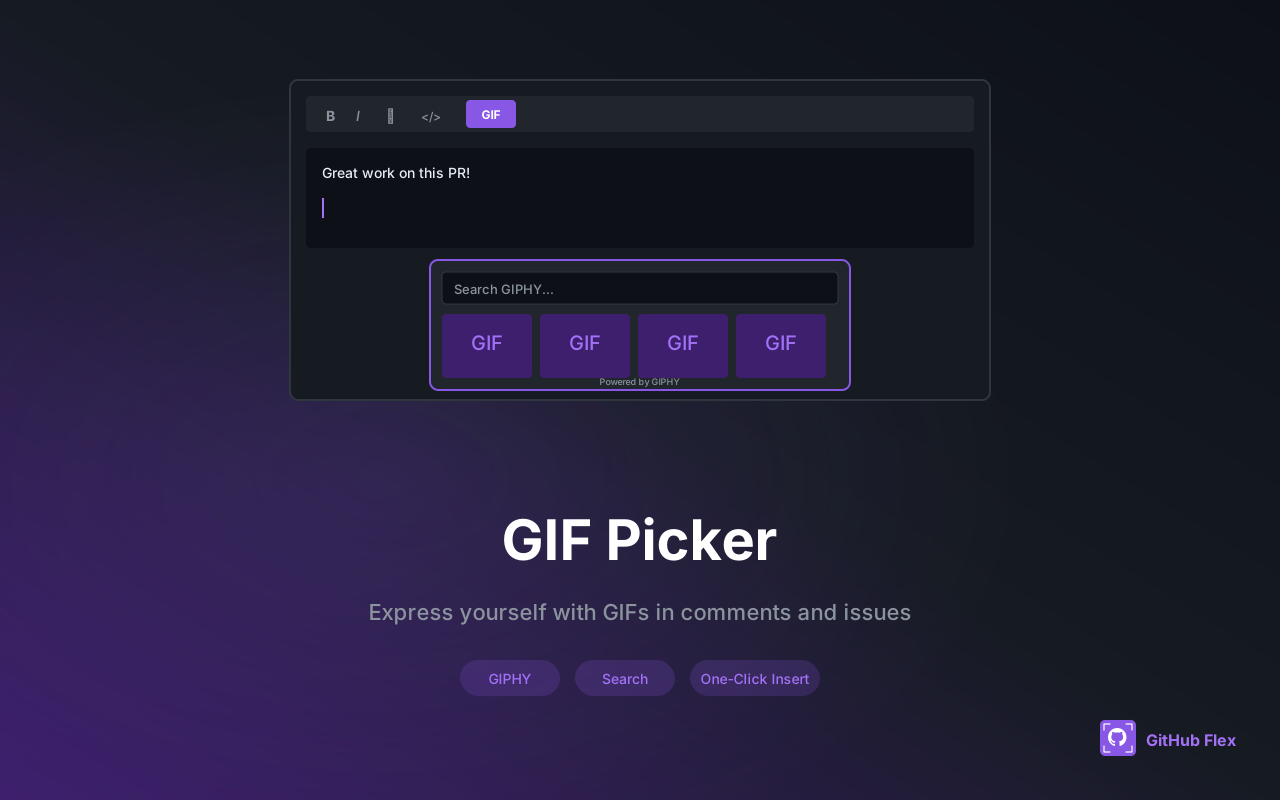
GIF Picker
Insert GIFs in comments and issues with GIPHY integration
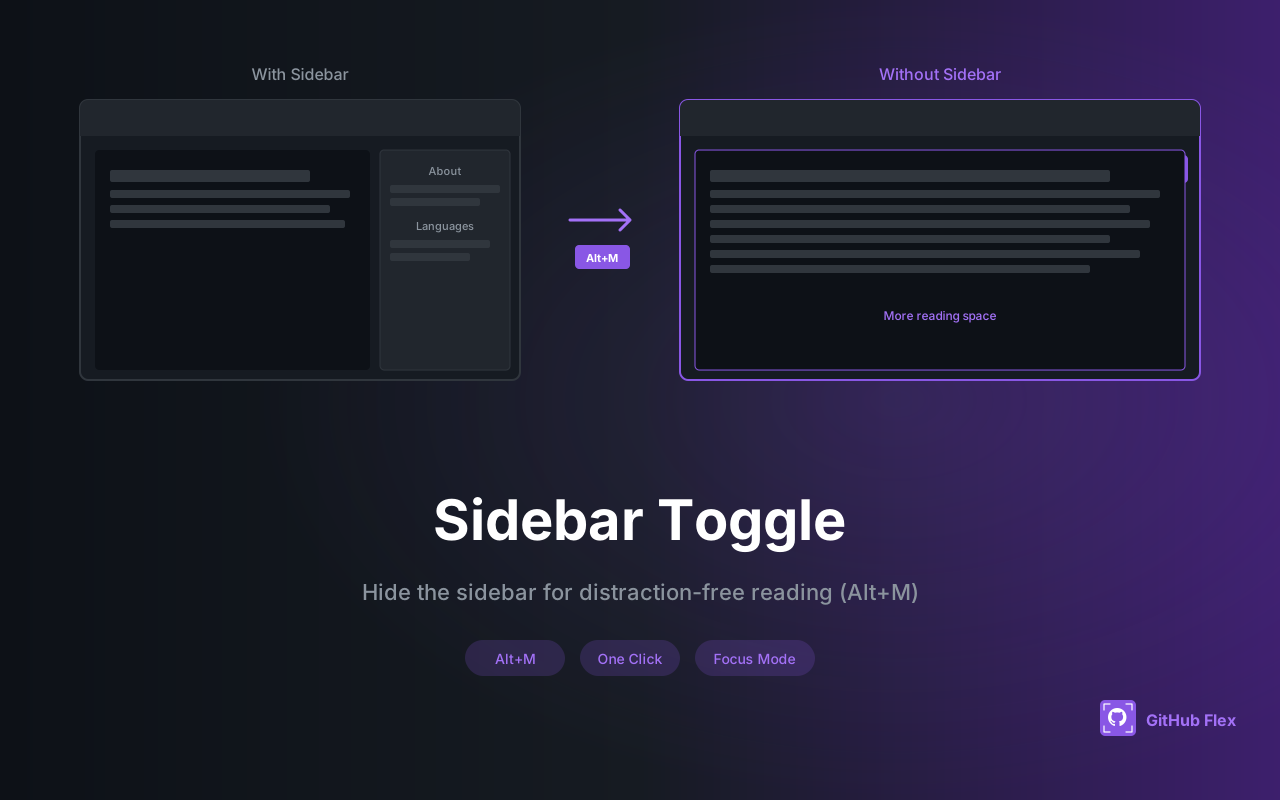
Sidebar Toggle
Hide/show sidebar with button or Alt+M shortcut
See It In Action
Visual examples of GitHub Flex features
How It Works
Get started in under 60 seconds
Install Extension
Add from Chrome Web Store or Firefox Add-ons with one click. No signup required.
Configure Features
Enable or disable features via the popup. Your preferences sync across devices.
Browse GitHub
Enjoy an enhanced GitHub experience with wide layout, lightbox, and more.
Frequently Asked Questions
Everything you need to know about GitHub Flex
Does it work on all GitHub pages? ▼
Yes! GitHub Flex works on all GitHub pages including repositories, issues, pull requests, and profiles.
Can I disable specific features? ▼
Absolutely. Click the extension icon to open the popup and toggle any feature on or off.
Is my data safe? ▼
Yes. GitHub Flex stores settings locally and never collects or transmits any personal data.
Which browsers are supported? ▼
All Chromium-based browsers (Chrome, Edge, Brave, Opera, Vivaldi, Arc) and Firefox are supported.
Is it open source? ▼
Yes! GitHub Flex is fully open source under the MIT License. View the code on GitHub.